
CanvasIQ: Proposal Building Should Feel Like Design, Not Data Entry
Why we split the proposal into a wizard that produces the data and a builder that produces the artifact, with blocks, templates, snapshots, and publishing.
There is a moment in every PEO sales cycle where the underwriting is done, the pricing is approved, and someone has to turn forty cells of a spreadsheet into a document a prospect will actually read. In most shops that moment belongs to a rep with a Word template from 2019, a PDF export that breaks the tables, and a weekend.
We built CanvasIQ to take that moment seriously. The premise is simple: the proposal wizard's job is to get the data right, and the proposal builder's job is to get the artifact right, and those are different jobs that deserve different tools. This post explains how the two fit together and what we decided along the way.
The wizard produces data, Canvas produces the thing the prospect sees
The HALO IQ proposal wizard walks the deal through Company Basics, Workers' Comp, Benefits Analysis, Investment Analysis with its hard costs, soft costs, and additional fees, and the Executive Summary. Each step is structured: the workers' comp step holds class codes, payroll, rates, and the mod projection from ModIQ; the investment analysis holds the line items and their sources; the executive summary holds the narrative the AI drafted and the rep edited.
That structure is the proposal's source of truth. It is what PricingIQ validates against the rules engine, what ConnectIQ tracks as the deal's current state, and what the Cost of Inaction analysis draws from. It is not, by itself, something a prospect wants to look at.
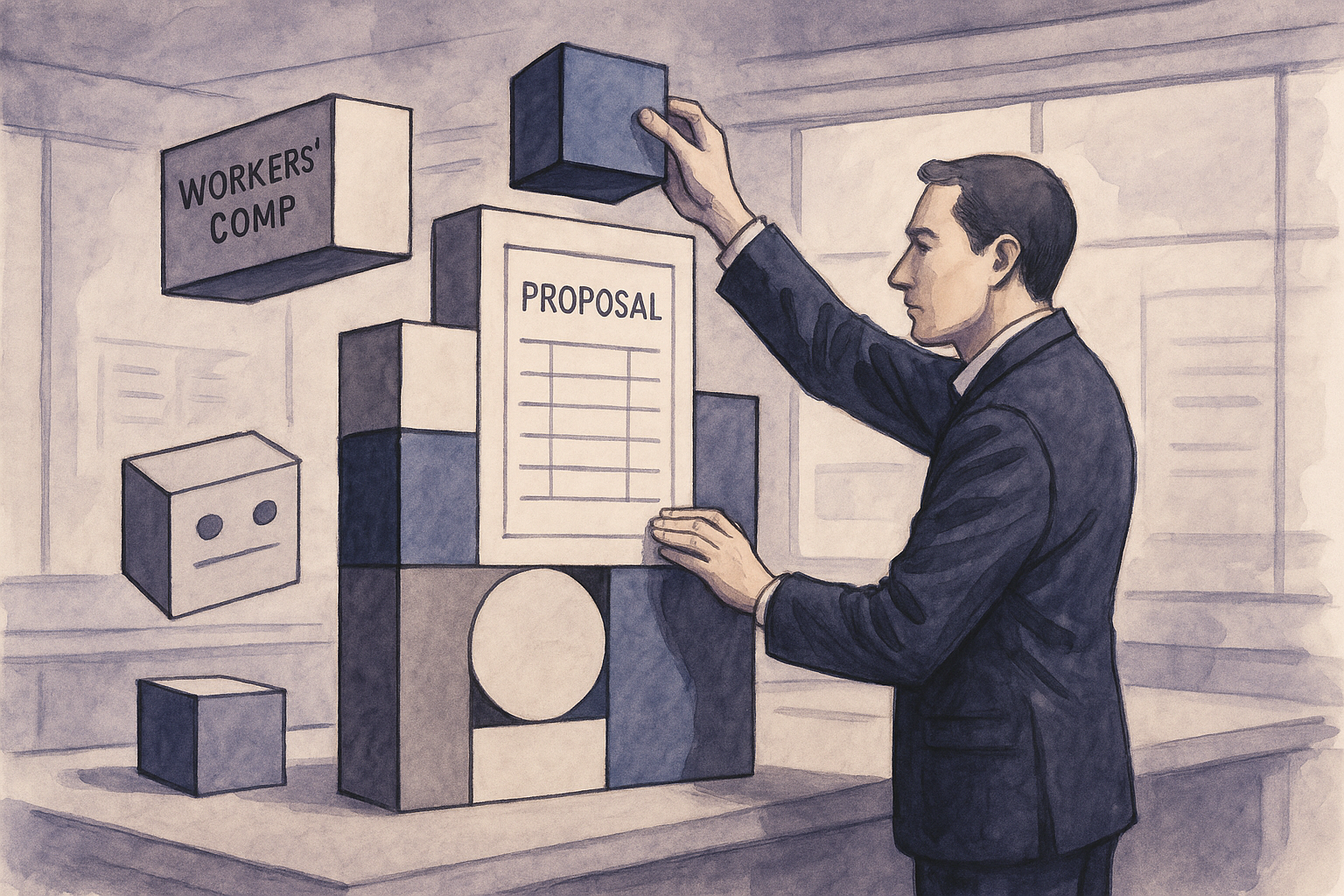
CanvasIQ sits on top of it. A proposal in Canvas is a sequence of blocks, and each block either renders a piece of the wizard's data or holds content the rep adds. A pricing table block is bound to the investment analysis; a mod projection block is bound to the workers' comp step; a cover block, a letter block, or a case-for-change block is authored. When the underlying data changes, bound blocks update. When the rep rearranges, restyles, or rewrites, the data does not move.
This separation is the single most important decision in the product. It means a rep can never break the numbers by editing the layout, and an underwriter can never break the layout by correcting a number.
Blocks, and why we did not build a page editor
The first version of Canvas we sketched was a page editor, a free canvas where anything could go anywhere. We abandoned it in a week. Reps do not want infinite freedom; they want a proposal that looks like the firm's proposals, with their deal's facts in it, and they want it in minutes.
So Canvas is block-based. The block library covers what a PEO or broker proposal actually needs: cover, executive summary, company snapshot, workers' comp analysis, mod projection, benefits comparison, investment analysis with hard and soft cost breakdowns, additional fees, service scope, implementation timeline, team, terms, and a set of general-purpose text, image, callout, and table blocks for everything else. Each block has a small number of layout and emphasis options rather than a full design surface. The output is consistent because the inputs are constrained.
Where a block is bound to wizard data, the binding is visible. A rep can see that the pricing table is pulling from the approved investment analysis and can open that step to change the number through the proper path. A rep cannot type over the number in the table. We get asked to relax that rule roughly once a month and we have not, because every PEO operator we have talked to has a story about a proposal that went out with a hand-edited figure.
Templates carry the firm's judgment
A template in Canvas is a saved arrangement of blocks with their settings, styling, and any standing content. A firm typically keeps a handful: a full proposal for a new PEO client, a shorter workers' comp-only proposal for a broker-led placement, a renewal summary, and a one-page teaser for first meetings.
Templates matter because they encode decisions that should not be remade on every deal. Which sections go first. Whether the soft-cost analysis appears before or after the hard costs. How much of the mod projection methodology is shown to a prospect versus kept in the underwriting file. Whether the implementation timeline is a block or a sentence. A sales leader sets those once, and every rep's proposal inherits them.
Templates are tenant-scoped, which in a platform shared by PEOs, MGAs, and brokers means each firm's templates are its own. A broker's proposal template and a PEO's proposal template for the same deal are different documents built from the same workspace data, each presenting the parts of the deal that firm is responsible for.
Snapshots, because proposals change and prospects remember
A proposal that is being negotiated is a moving target. The admin fee comes down, a benefits option is added, a class code gets corrected after the broker sends a better loss run. Each change produces a new version of the proposal, and in most shops those versions live as file attachments named "Final," "Final v2," and "Final FINAL."
Canvas takes a snapshot every time a proposal is published. The snapshot is immutable: the blocks, the bound data as it stood, the styling, and the rendered output are frozen together. The rep can keep editing the live proposal, and the prospect's link continues to show whatever version was published to it, until the rep publishes again.
Snapshots solve two problems. The first is the argument. When a prospect says the proposal they saw had a different number, the snapshot settles it. The second is the audit. When a PEO's operations team needs to know what pricing was presented on the date the prospect signed, the snapshot is the record, and it ties back to the pricing components PricingIQ persisted at quote time.
Publish to a link, and know what happened next
Proposals leave Canvas as a shareable link, with a PDF available for prospects who want one. The link is the primary artifact, and it is primary for a reason: it tells the rep what happened.
A published proposal reports whether it was opened and how many times. That is not surveillance; it is the information a rep needs to decide whether to call. A proposal opened three times in the week before a board meeting is a different situation from one that has not been opened at all, and a rep who knows which is which spends the week differently. The view activity flows back into the deal record in ConnectIQ, so the sales leader sees it in the pipeline without asking.
Share settings belong to the publication, not the proposal, so a rep can change who can see a published version, or publish a new one, without touching the working draft.
What "design" means here
We titled this post around design because the word is doing specific work. We do not mean that reps become designers or that proposals become brochures. We mean that the experience of building a proposal should be the experience of arranging and refining something that already looks right, rather than the experience of typing values into boxes and hoping the export holds.
The tell is how a rep spends the last thirty minutes before a proposal goes out. In a data-entry tool, those thirty minutes are spent checking numbers and fixing formatting. In Canvas, the numbers were checked when the wizard step was approved and the formatting was decided when the template was built, so the last thirty minutes go to the executive summary and the case for change, which are the pages the prospect actually reads.
That is also where the AI earns its place. Executive Summary AI drafts the narrative from the wizard's structured data, section-level intelligence suggests what a given block should emphasize for this deal, and the rep edits. The design surface is where that editing happens, with the numbers already locked underneath.
A last note on how this plays across the two sides of a placement. A broker using HALO IQ to present a PEO option to their client and a PEO using it to present its program to the same prospect are building from the same underwriting data in the same workspace, but they are building different proposals for different readers. Canvas gives each its own templates, its own snapshots, and its own publication history. Neither sees the other's artifact unless they choose to share it. The data is shared; the presentation is each firm's own.
That is the shape of the product: one set of facts, each party's own view of them, and a proposal that gets built the way a document should be built rather than the way a spreadsheet gets filled in.
HALO IQ
Underwrite and deliver the proposal in one file.
Submissions, mods, and proposals for PEO operators and brokers, without the spreadsheet handoff.
Was this article helpful?