
How to find a carrier's actual rate filing on SERFF, and what to do when there isn't one
A step-by-step walkthrough of SERFF Filing Access for workers' comp rate filings: the state-by-state entry points, the search that works, which filing types contain rates, which attachment section holds the LCM pages, and the four reasons a filing legitimately isn't there.
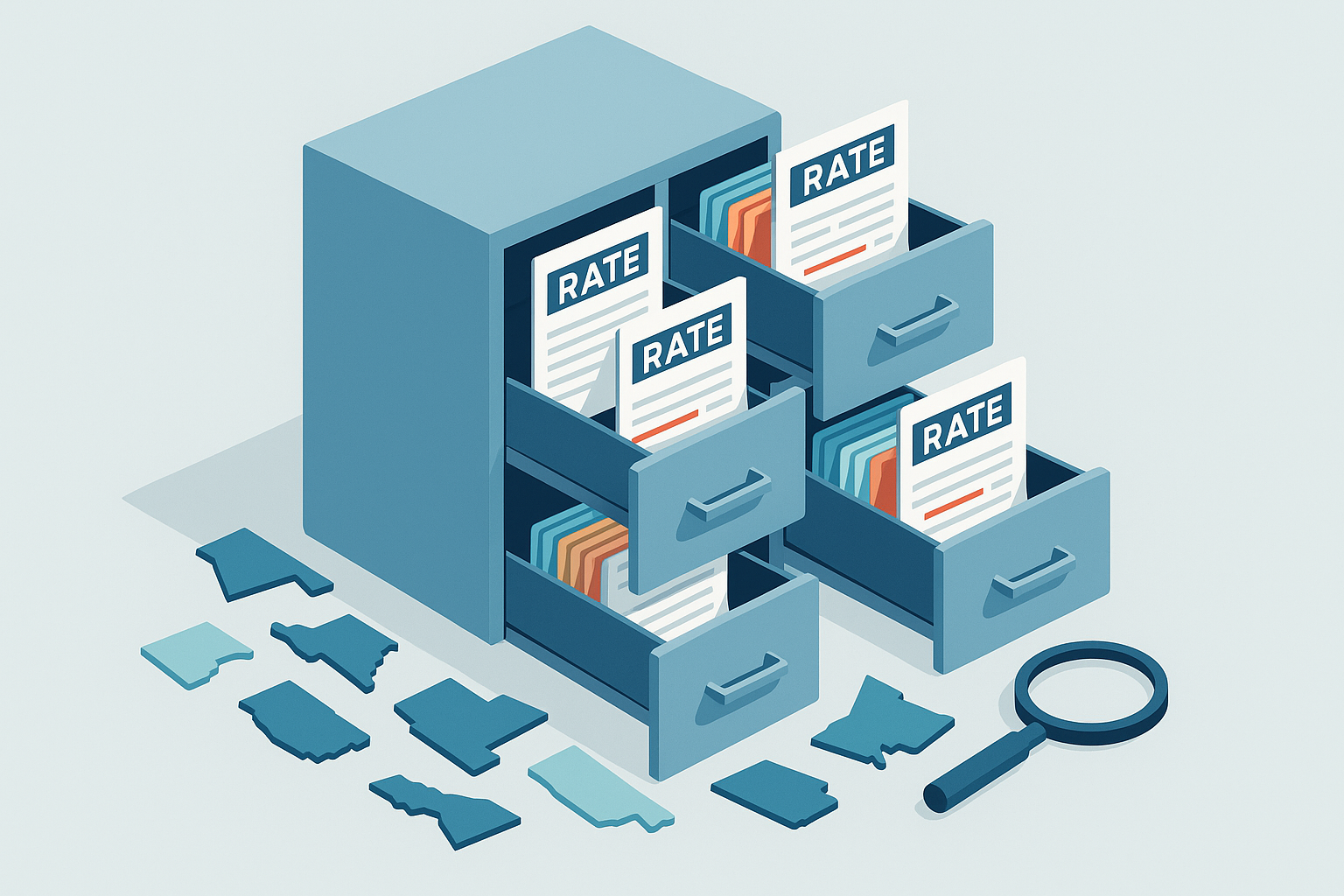
Every argument about workers' comp pricing eventually reaches a document: the carrier's rate filing. The loss cost multiplier, the rating tiers, the schedule rating maximums — all filed with the state, all public, and almost nobody looks. Here is exactly how to look, based on the access patterns we've validated across multiple states for our own rate-ingestion pipeline — and what it means when the filing you expect isn't there.
What SERFF is
SERFF (System for Electronic Rate and Form Filing) is the NAIC's filing system; SERFF Filing Access at filingaccess.serff.com is its public search window. Each state runs its own instance, so you search one state at a time — a Nevada search won't show you the same carrier's Texas filing. Most states expose their property & casualty filings through it; a few route public access through their own insurance-department portals instead, so if your state's SERFF page comes up empty, check the state DOI site before concluding anything.
The walkthrough
1. Enter through your state. Go to filingaccess.serff.com/sfa/home/ followed by your state's two-letter code (for example /sfa/home/CA). Starting from the state page matters — it sets the session context for everything after.
2. Accept the user agreement. Every session requires it; there's no way around it, and it's also why deep links into search results from a search engine usually bounce you back to the start.
3. Set the line of business. Choose Property & Casualty as the business type, then wait for the type-of-insurance list to load and select Workers Compensation (listed as "16.0 Workers Compensation").
4. Search by company name, 'contains' match. Carrier legal names rarely match marketing names — the company you know as one brand may file as "XYZ Insurance Company of the West." Use the contains match option with the most distinctive word in the name, and expect a carrier group to show several filing entities. If you have the NAIC company number, it's the unambiguous way to confirm you're looking at the right entity.
5. Read the results by filing type. Results list newest first. The filing-type column tells you where the rates live:
- "Rate" and "Rate/Rule" — rate filings; Rate/Rule is the most common vehicle for a carrier's LCM filing
- "Form/Rate/Rule" — comprehensive filings that also contain rates
- "Rule" and "Form" — no rates; rules and policy forms only
Check the status column for "Closed - Approved" (or approved with stipulations). A pending or withdrawn filing is not a rate you can price on.
6. Open the filing and go to the Rate/Rule attachment section. A filing's detail page organizes attachments into sections — Forms, Rate/Rule, Supporting Documentation, Correspondence. The Rate/Rule section is where the rate manual pages and LCM schedules sit. Two underused sections: Supporting Documentation often contains the actuarial memo explaining why the carrier is moving its multiplier, and Correspondence shows the state's objections and the carrier's answers — occasionally the most candid description of a carrier's book you will ever read.
7. Record three things: the SERFF tracking number (so anyone can find the filing again), the effective date, and the approved factor or rate pages themselves. The effective date is what makes the filing usable: a quote must be priced on the filing in effect on the policy effective date — the most recent one effective on or before it, never a future-effective filing. (Why that rule exists.)
When there isn't one — four legitimate reasons
An empty result is itself information; the question is which kind.
- Wrong entity. The commonest case: the group files under a different legal entity than the one you searched. Widen the search, try the NAIC number, check the group's other companies.
- The state doesn't expose it here. A few states handle public access through their own portals; some filing types in some states are confidential by statute. Empty-on-SERFF is not the same as not-filed.
- The carrier adopted the bureau's rates by reference. In loss-cost states, a carrier's operative filing may be an older multiplier filing that simply remains in effect as new bureau loss costs land under it. The current rate changed without a new carrier filing — the filing you need is the older one plus the bureau's.
- Non-admitted paper. Excess and surplus lines carriers generally don't file rates for public access the way admitted carriers do. If the account is quoted on E&S paper, stop looking for an admitted filing and start asking why the account is in the E&S market.
The practical fallback when the document truly can't be found: derive the implied multiplier yourself — divide the quoted manual rate by the bureau loss cost for the class and ask the underwriter to confirm it. Carriers answer that question when it's asked precisely.
The honest limitation
This process is reliable and public, and it does not scale by hand. One carrier, one state, one renewal — fifteen minutes. A book of staffing accounts across eight states, with filings superseding each other mid-year — that's a pipeline, not an afternoon, which is why we built CarrierIQ to ingest filings continuously and flag every account priced on a superseded filing. See the current filings for your states — or bookmark your state's SERFF page and do the fifteen-minute version before your next renewal argument. Either one beats arguing without the document.
HALO IQ
Underwrite and deliver the proposal in one file.
Submissions, mods, and proposals for PEO operators and brokers, without the spreadsheet handoff.
Was this article helpful?